How to Customize the Battery Indicator on Samsung One UI 8.5
हिंदी में सुनें
Listen to this article in Hindi
One UI 8.5 offers a new way to customize the battery indicator. Instead of just on/off, you can now choose to hide the battery icon itself. Learn how!
Samsung's One UI 8.5 is proving to be a more significant visual update than initially expected. The company has included numerous user interface adjustments and refinements, a move typically reserved for major One UI or Android version upgrades, rather than smaller, mid-cycle releases.
These alterations range from prominent redesigns to subtle tweaks. One of the immediately noticeable smaller changes involves the way the battery percentage is displayed in the status bar.
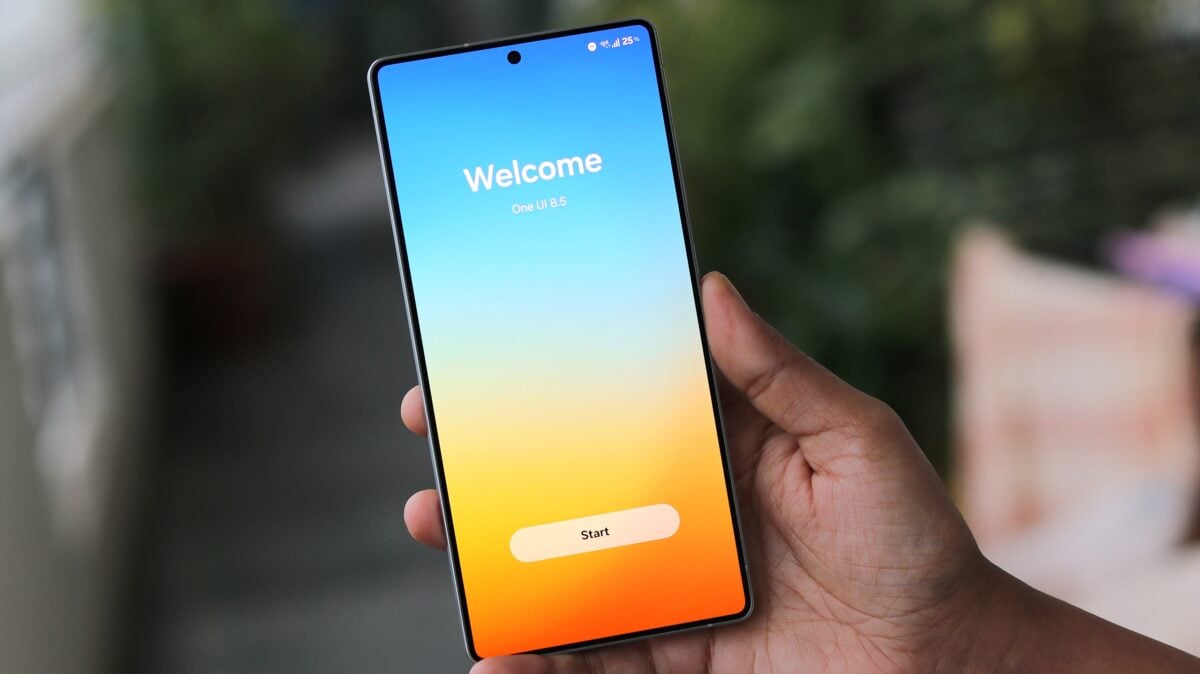
Previous One UI versions offered a simple choice: users could either display the battery percentage as a number or hide it completely, relying solely on the battery icon. One UI 8.5 changes this. Now, the battery level is always shown as a number, but Samsung provides a new customization option: controlling the visibility of the pill-shaped battery icon in the status bar.
By disabling the battery icon, users can achieve a cleaner look, displaying only the battery level accompanied by the percentage sign.
To modify this setting, navigate to the Settings app, then go to Notifications > Status bar. From there, you can toggle the "Show battery background" option on or off to switch between the two available styles.
:max_bytes(150000):strip_icc()/Web_1500-SPR_LaskoFH500Fan_SpaceHeaterComboTower_RM_008_022-7fd54b55ab244607bc950e9f1a988fef.jpg)