Galaxy AI on One UI 8.5 will let you mix and match different images
हिंदी में सुनें
Listen to this article in Hindi
Samsung is working on a One UI 8.5 feature that lets you edit images through text prompts and by mixing and matching different images. - SamMobile
Samsung was the first smartphone brand to truly push forward AI-powered features. And each new version of One UI since One UI 6.1 has brought new and improved AI features, including Generative AI image editing. One new image editing feature that Samsung is working on lets you mix and match different images and make it easier to edit images using text prompts.
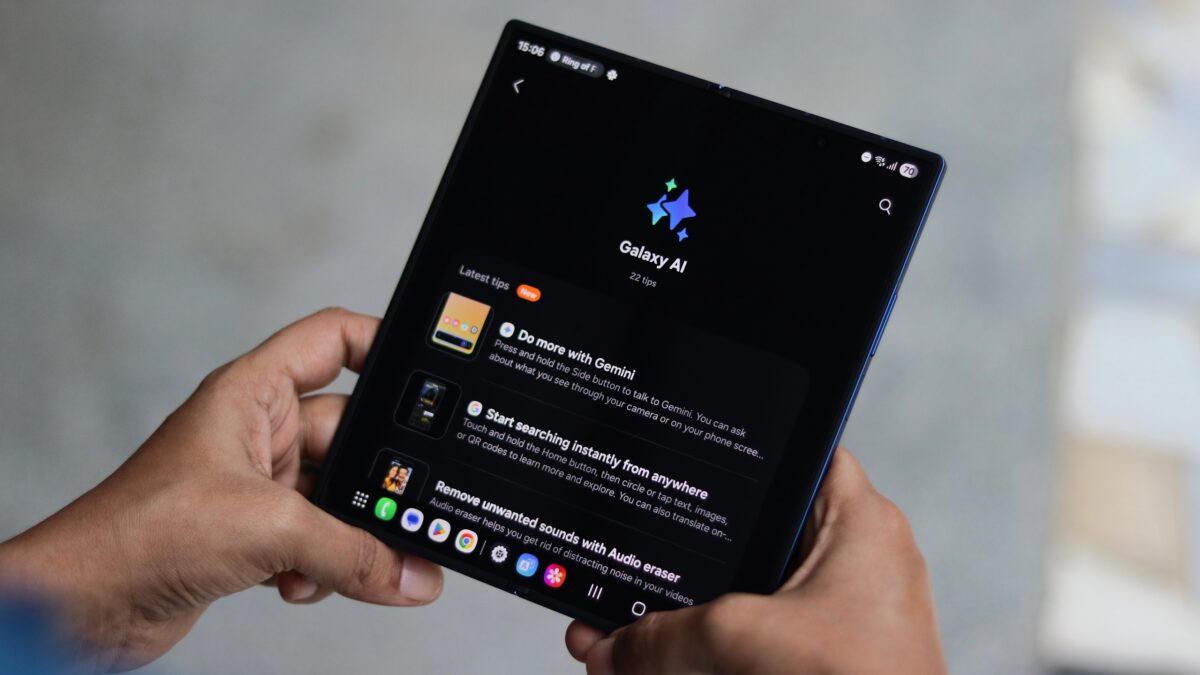
We have discovered a new Galaxy AI feature in One UI 8.5's leaked build for the Galaxy Z Fold 7. After you tap the Galaxy AI button in the phone's built-in Gallery app, you can use the text field in the Photo Assist section to add, change, or remove things in that image. You can describe how you want to change that image directly from the Gallery app. Currently, image editing via text prompts is only available through the Drawing Assist section on some recent high-end phones.
Moreover, you can also add things from other images and describe how you want to combine both. You can see that feature in action in our short video below.
For example, when you are editing an image of your cat, you can add an image of a ball or a yarn from your phone's Gallery app and ask Galaxy AI to blend them together in a way that shows your cat playing with that ball or yarn, and Galaxy AI will make that happen using generative AI.
Although this feature has been explained in the Tips app in One UI 8.5 running on the Galaxy Z Fold 7, it doesn't work just yet. It is also not available on the Galaxy S25 series running the first beta version of One UI 8.5 that was recently released. Either Samsung will bring it with future beta releases or debut it with the Galaxy S26 series early next year.