Apple releases new iOS 26.2: How to update your iPhone, new features coming and other details to know
हिंदी में सुनें
Listen to this article in Hindi
गति:
Apple's iOS 26.2 update is here! Learn how to update your iPhone 11 or later and explore the new features, including Liquid Glass adjustments and security patches.
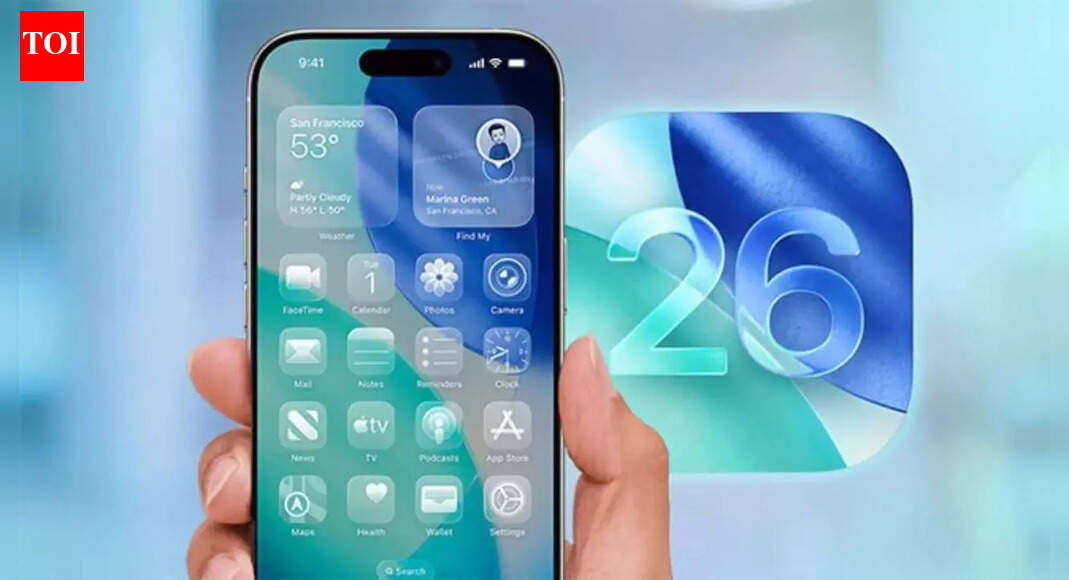
Apple has released iOS 26.2 for iPhone 11 and later models. The update addresses user feedback on the Liquid Glass design introduced in September, provides critical security fixes, and introduces several new features.
Key changes in iOS 26.2 include:
- Adjustable Liquid Glass:** Users can now modify the opacity of the Liquid Glass design via a new slider in settings.
- Security Updates:** The update patches two critical security vulnerabilities that Apple believes “may have been exploited in an extremely sophisticated attack.”
- Offline Lyrics:** Access song lyrics even without an internet connection.
- Auto-Generated Podcast Chapters:** Podcasts will now feature automatically generated chapter markers for easier navigation.
- Enhanced Safety Alerts:** US users will receive improved safety alerts.
**How to Update to iOS 26.2**
To install iOS 26.2, your iPhone must be an iPhone 11 or a newer model. Before you begin, ensure your device is connected to Wi-Fi and has sufficient battery life, or is plugged into a power source. Follow these steps:
- Open the **Settings** app on your iPhone.
- Tap **General**.
- Tap **Software Update**.
- If iOS 26.2 is available for your device, it will appear on this screen. Tap **Download and Install**.
📘 Web Story:
Click here
Source:
Times of India
•
14 Dec 2025